Phone calls are where deals get real. You may know someone has called you, but do you know why they did it? Which page did they land on that led them to pick up the phone? Or, how does that interaction contribute to your bottom line? This guide explains how to track phone calls from your website, the most reliable methods to track calls, and the best ways to track phone calls from your website even if you’re just getting started.
Website call tracking is the process of identifying which pages, traffic sources, and campaigns generate phone calls. Once you have this insight, you can understand how people found you, what prompted them to call you, and see how each marketing effort generates phone leads and contributes to your revenue. Whether you’re running ads or relying on SEO, it gives you visibility into which touchpoints lead to conversations that turn into conversions.
TL;DR
- If you run Google Ads, enable Google Ads call conversions first.
- If you want full insight across SEO, ads and all marketing channels, use call tracking software.
- If you only need basic information and have a low budget, simple manual tracking or click to call tracking can work but with clear limitations.
Why you should track phone calls
If phone calls play a role in generating leads or sales, you need to know what triggered them. Tracking phone calls helps you understand which marketing sources bring high value callers, what visitors do before they contact you and which actions are truly responsible for conversions.
By tracking phone calls you can:
- Identify the channels and pages that create real conversations
- Understand caller intent and behavior
- Improve your SEO, PPC and content performance
- Reduce wasted budget by investing in what converts
- Measure lead quality, not just call volume
When you know what drives phone calls, you can optimize your marketing efforts with confidence.
How to track phone calls
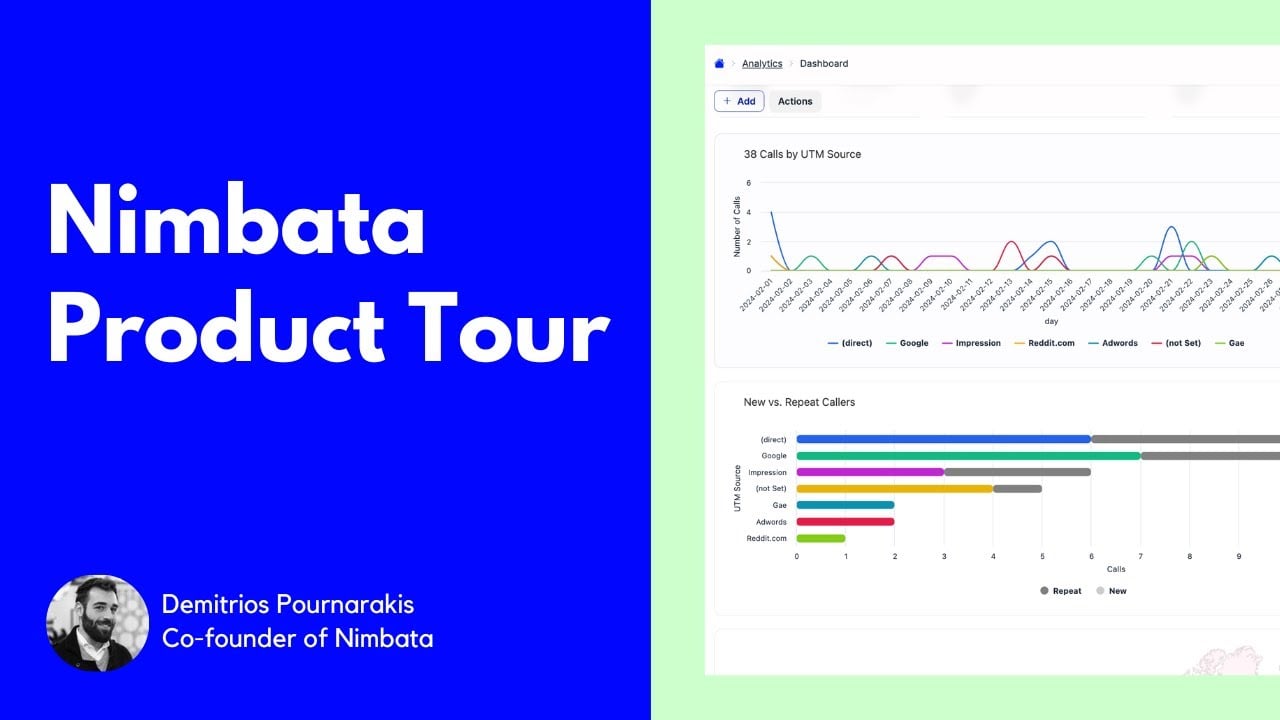
Here’s how to track phone calls in Nimbata (video):
Below are the four most reliable methods to track phone calls from your website. They range from simple manual approaches to advanced, automated call tracking. The right option depends on your call volume, budget and the level of insight you want.
Method 1: Ask callers directly
In a glance
✔️ Free
✔️ Builds personal relationships
❌ Time consuming
❌ Not scalable
❌ Answers can be incomplete or inaccurate
❌ Requires manual recording and consistency
Asking callers directly how they found your business is the simplest way to start tracking phone calls. It works well for very small businesses or teams that receive only a few calls per day. By asking questions like “How did you find us?” or “Is there something specific you need help with?” you can gather useful context that automated tracking tools cannot always provide sufficiently.
This method can act as a detailed insight into what catches your visitors’ attention and the messages that resonate with them most. The main challenge is reliability. People often do not remember where they discovered you or give vague answers that lack the details you need for accurately attributing their source. It also means your staff have to ask the same questions every time and log the responses manually with consistency.
Asking direct questions is helpful, but it won’t provide you with enough information about your visitors when you need to handle larger call volumes in the future.
Method 2: Track phone calls using click to call events
In a glance
✔️ Free
✔️ Works at scale
❌ Does not track calls made from another device
❌ Accidental clicks count as conversions
❌ Limited accuracy and context
Click to call buttons became common as mobile traffic grew. When someone taps your phone number on a mobile device, you can track the click as an event in Google Analytics or through Google Tag Manager. It’s a good starting point if you want a simple way to see how often visitors show interest in calling.
Keep in mind that click-to-call events show intent but don’t confirm that a real call took place. Many clicks are accidental. If someone sees your number on a desktop and calls manually, the event won’t be tracked. This means the data is incomplete and can’t be used for precise attribution.
If you’re comfortable with basic GTM setup, you can track click to call by:
- Creating a trigger that fires when a link contains “tel”
- Creating a tag to record phone call clicks
- Linking the trigger with the tag
- Publishing the changes
- Setting up a goal or event in Google Analytics
This method works for simple needs but isn’t accurate enough for deeper analysis.
Method 3: Track phone calls using Google Ads call conversions
In a glance
✔️ Free
✔️ Scalable
✔️ Tracks calls from all devices and manual dials
❌ Works only for Google Ads traffic
❌ May attract spam callers
If you run Google Ads, Google offers a built in way to track calls that come from your ads. Google uses forwarding numbers and swaps your website numbers for visitors who came through your campaigns. This lets you measure call conversions for your ads and understand how well your keywords and campaigns perform.
The main advantages are accuracy, no added cost and full compatibility with your existing Google Ads setup. You can track calls from mobile and desktop and even manual dial callers who type the number after seeing it.
Limitations include the narrow scope. Google Ads call tracking only captures calls that originate from Google Ads. If your business relies on SEO, social media, Bing Ads or other channels, those calls will not be tracked. Google also provides limited data about caller quality or call outcomes.
Google’s official documentation provides the required steps. If you advertise heavily on Google, enabling call conversions is a must.
Method 4: Use call tracking software
In a glance
✔️ Scalable
✔️ Tracks and attributes every phone call
✔️ Works across all marketing channels
✔️ Provides call recordings, transcriptions and caller details
✔️ Integrates with your tech stack
✔️ Enables deeper analysis and automations
❌ Paid option
For businesses that want complete visibility, call tracking software is the most accurate way to track phone calls from your website. This method uses dynamic numbers and session based tracking to capture the full visitor journey. You can see every touchpoint that led to the call, how long the call lasted and who the caller was.
Advanced platforms like Nimbata also offer:
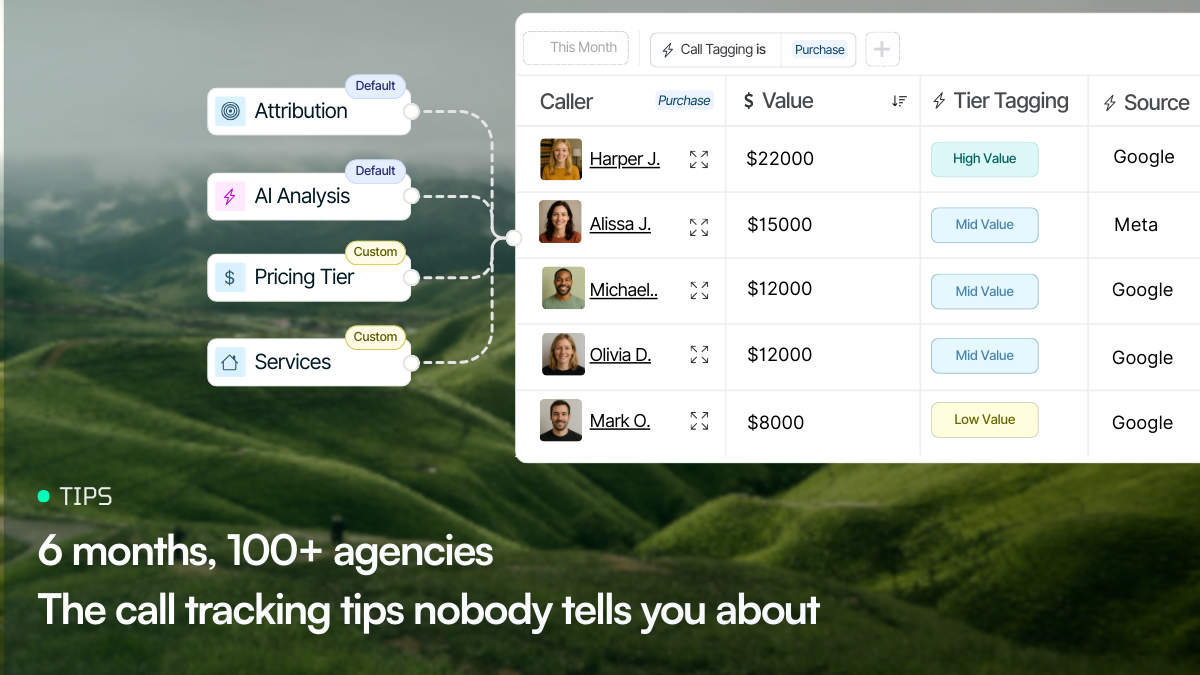
- Lead classification and tagging
- Trigger based integrations with Google Ads, Google Analytics 4 and CRM systems
- Timeline analysis that shows page views, form submissions and calls together
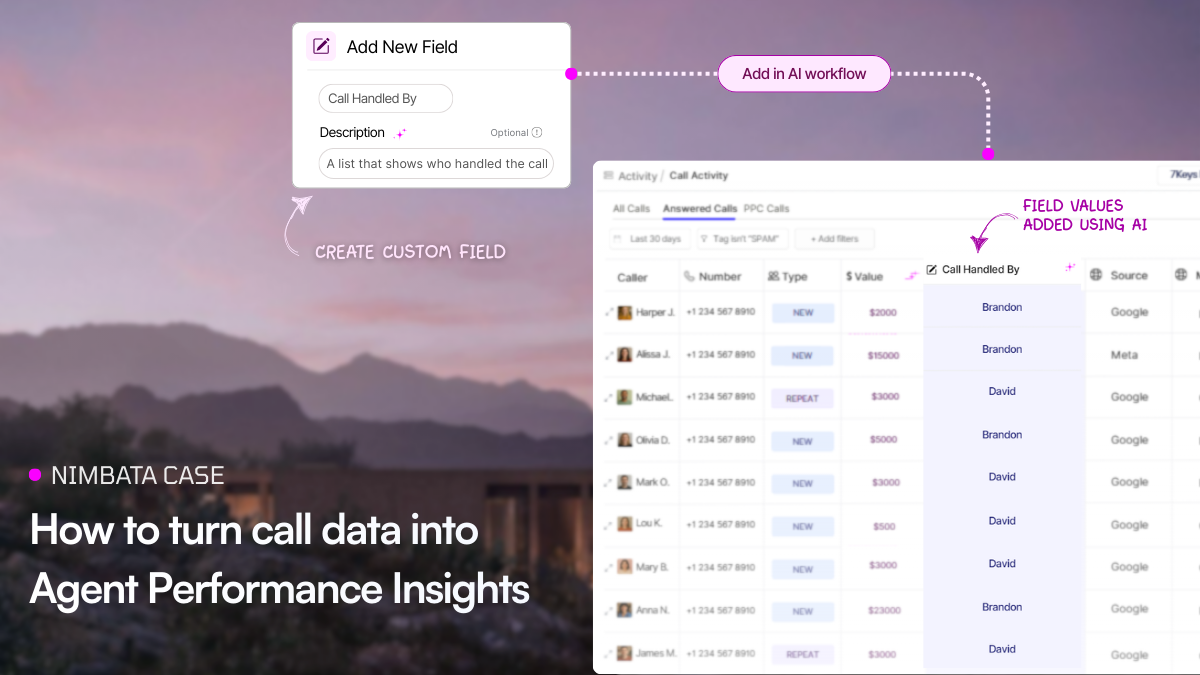
- Workflow templates that apply values or custom properties
- Call summaries for quick review
This level of insight is ideal for businesses that receive calls from multiple marketing channels or want to focus on lead quality, not only call volume.
If calls come from Google, Bing, Facebook, Instagram or even offline sources like TV or flyers, a dedicated call tracking platform is the most reliable way to understand which efforts deliver strong results.
Which method to track calls is best? This is how to choose the best one
The best way to track phone calls depends on your budget, your call volume and how deep you want your insights to be.
- Low call volume and no budget
Asking callers directly or using click to call events is a simple way to start, but accuracy is limited. - Businesses focused on Google Ads
Google Ads call conversions offer a free and scalable solution for tracking calls from Google traffic. - Businesses with multiple marketing channels
Call tracking software provides the most complete view of your caller journey and helps you optimize based on lead quality and ROI.
If you care about accurate attribution, understanding caller behavior and improving performance across all channels, a call tracking platform is the strongest option.