
CUSTOM URL PARAMETERS & KEYWORD TRACKING
Automatically capture UTM tags, GCLIDs, and keywords from every visitor - so you can connect each call to the exact ad, campaign, and search term that drove it.
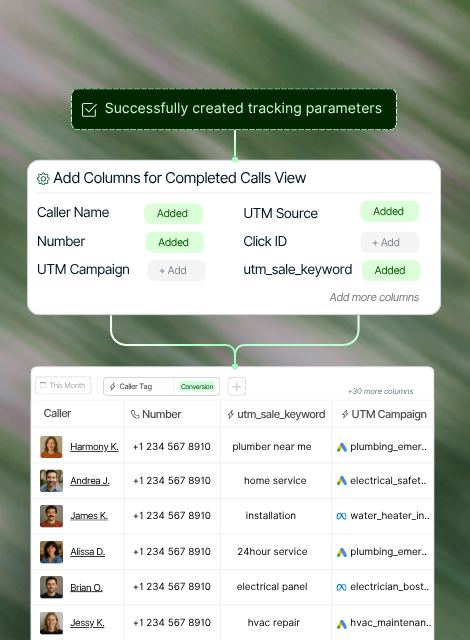
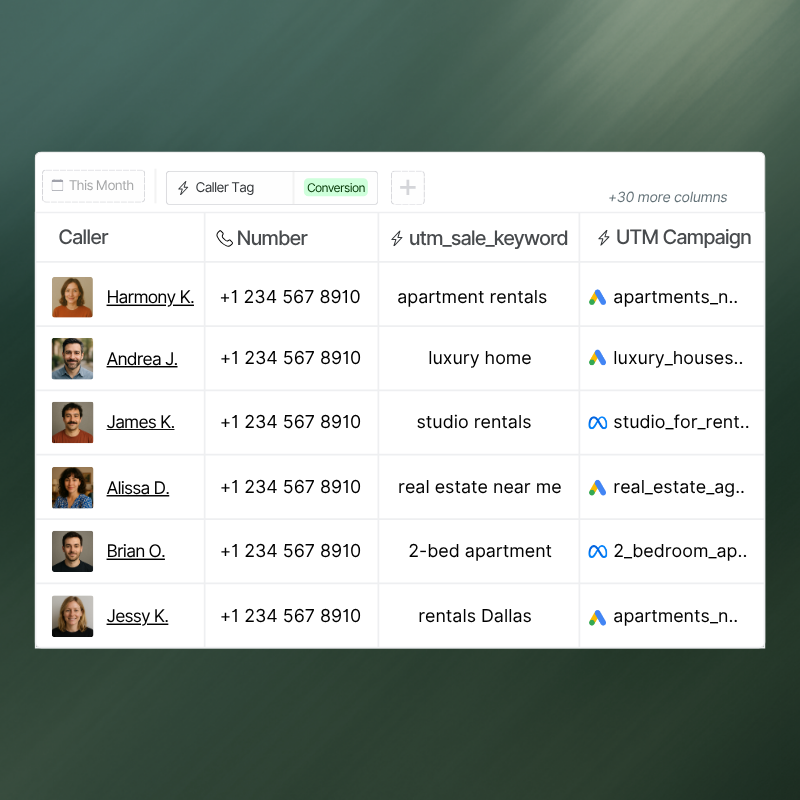
See every click that drives your calls
Stop guessing where calls come from. Nimbata captures every UTM tag, GCLID, and keyword - showing which ads, sources, and search terms drive real conversations.
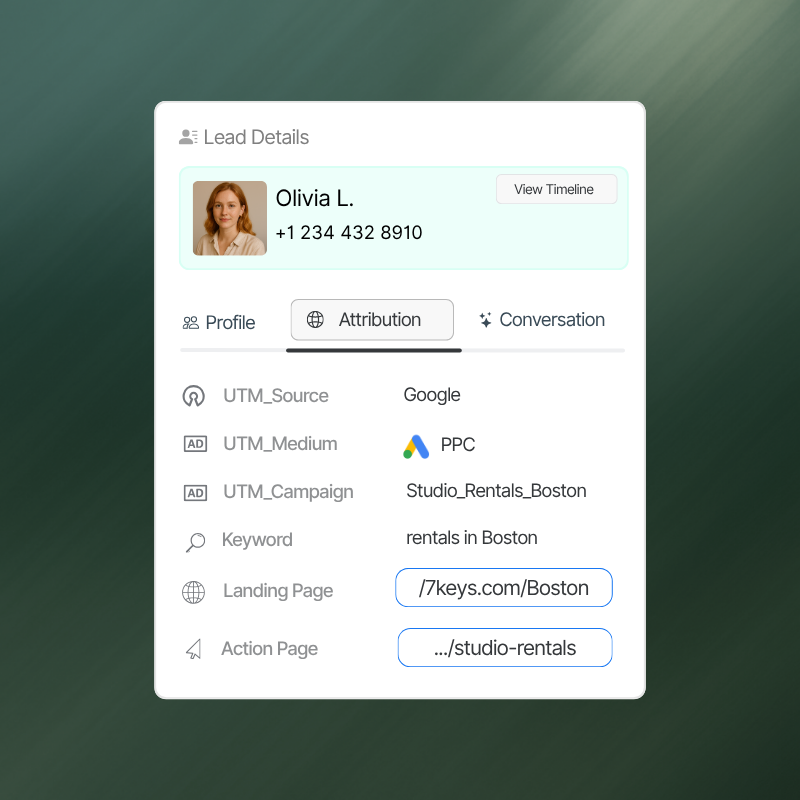
Uncover the intent behind each caller
Go beyond “who called” to understand why. View the keyword, campaign, and page that led to each call - and refine targeting and messaging with confidence.
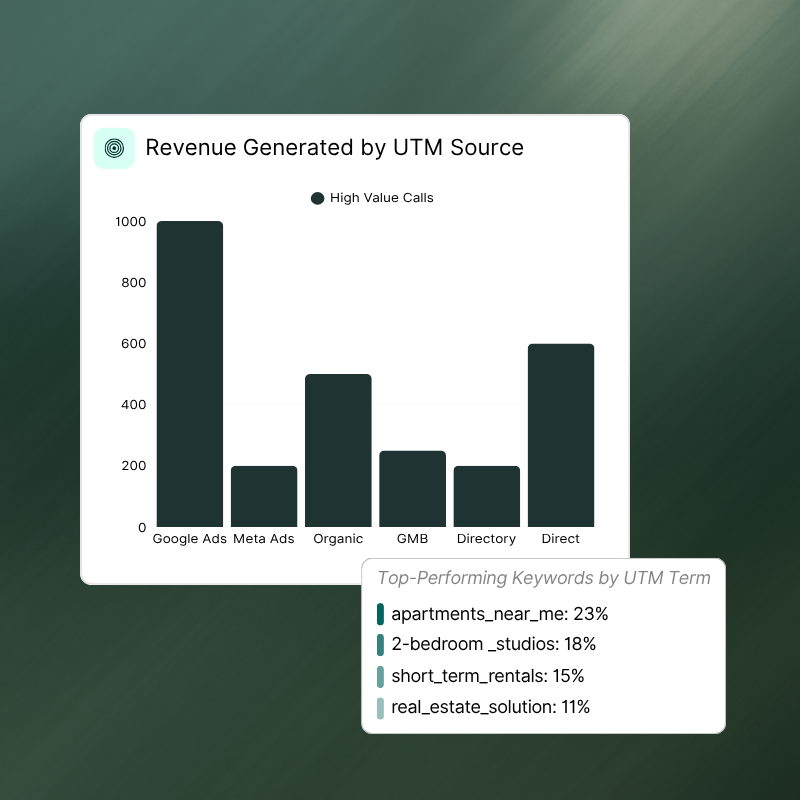
Attribute revenue with precision
Connect each call to the campaign and keyword that sparked it. With accurate data sent to Google Ads, you can optimize performance and prove ROI easily.
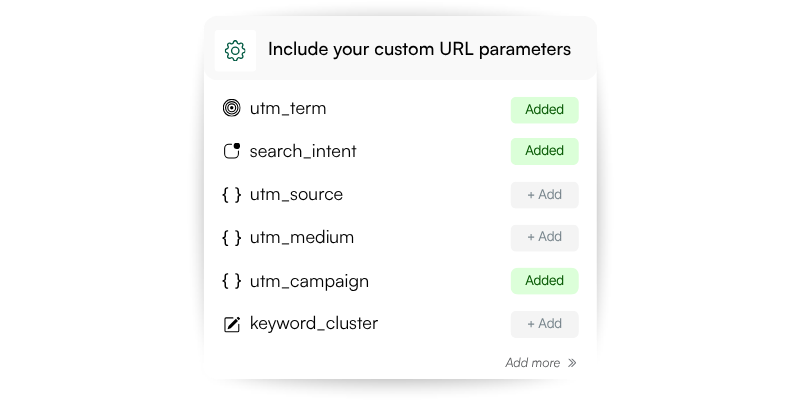
[01] Add your parameters
Include custom parameters such as utm_source, utm_medium, utm_campaign, and keyword in your ad URLs. Nimbata automatically detects and stores these values from each visitor’s session - no manual setup required.
[02] Map and capture data
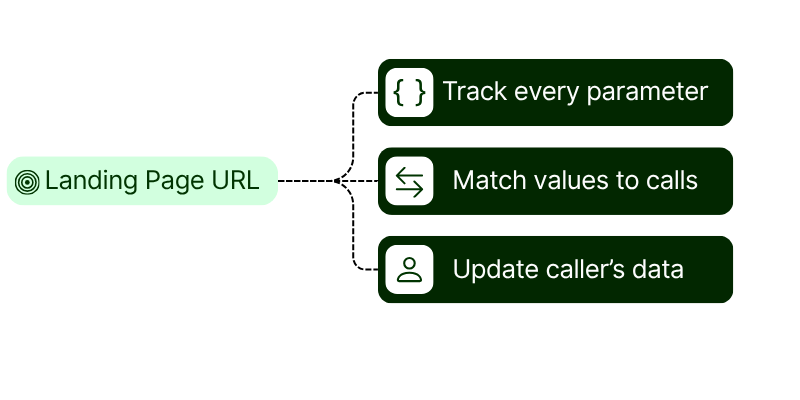
Nimbata automatically reads every tracked parameter from your landing page URL. Each value is matched to the exact visitor session and call, giving you a clear view of which ad, campaign, or search term drove the action.
[03] Attribute and analyze results
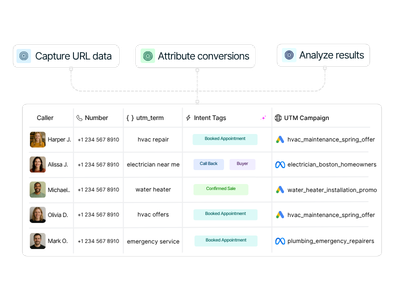
View every captured UTM and keyword inside your call reports. Understand which channels and search terms convert best, refine your targeting, and send accurate conversion data back to Google Ads for smarter optimization.
Combine Nimbata call tracking features to create the solution
that matches how your team operates.

Tracking Numbers
Create tracking numbers for any channel or location

Call Flow Builder
Handle every call smarter - with automated call flows

Call Recordings
Capture every customer conversation automatically