
EXPORT LEADS
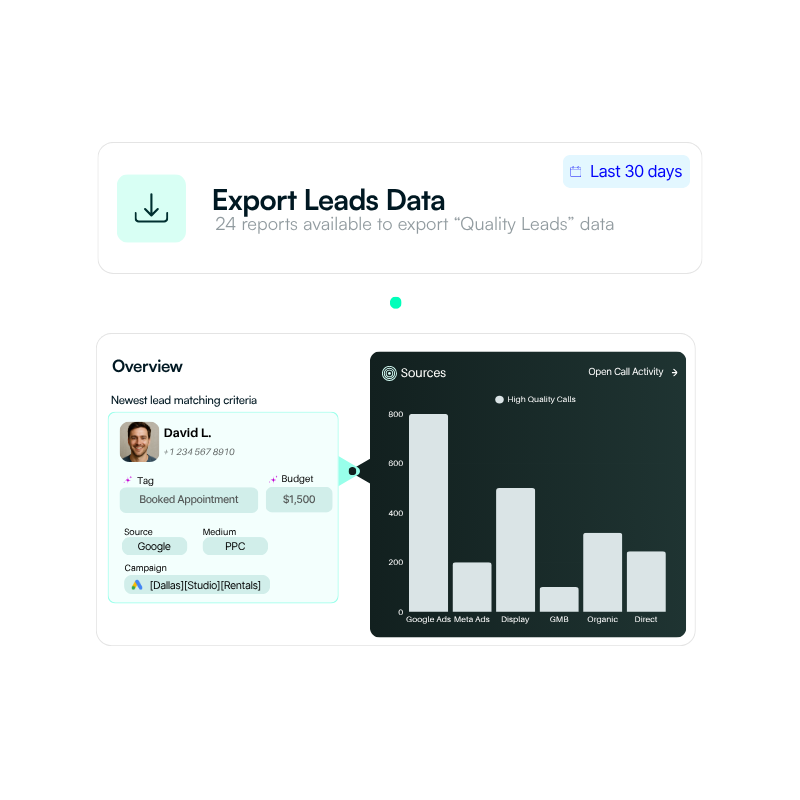
Export what you need in seconds. See your call performance clearly and use the data your way across different platforms and tools.
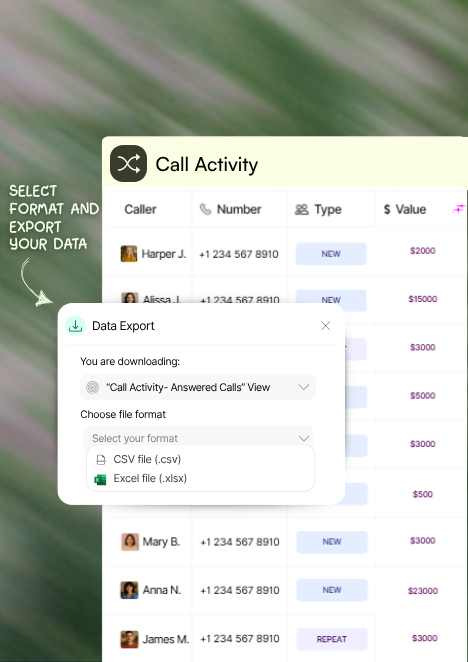
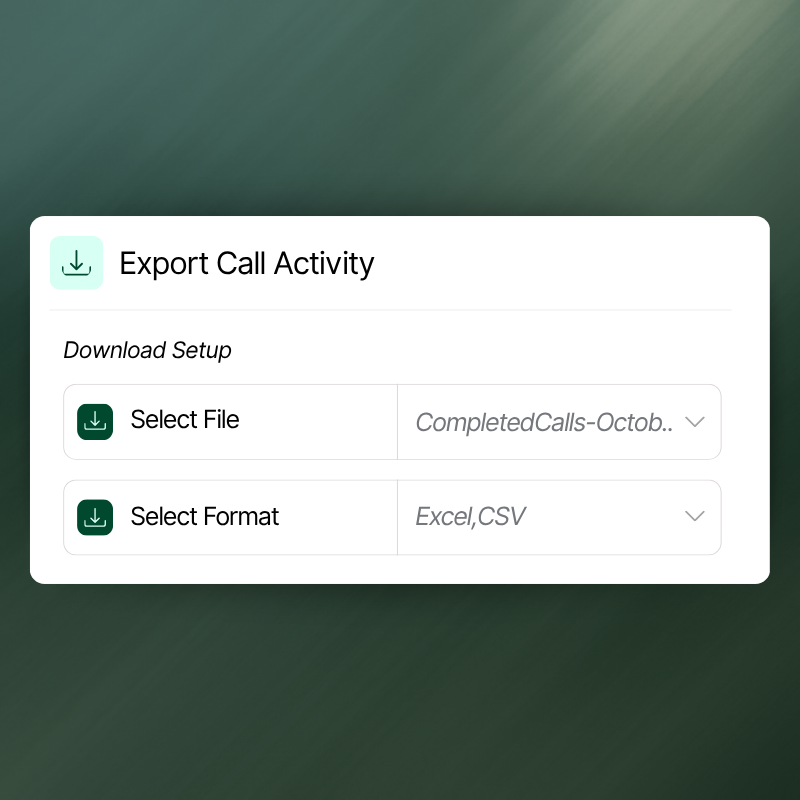
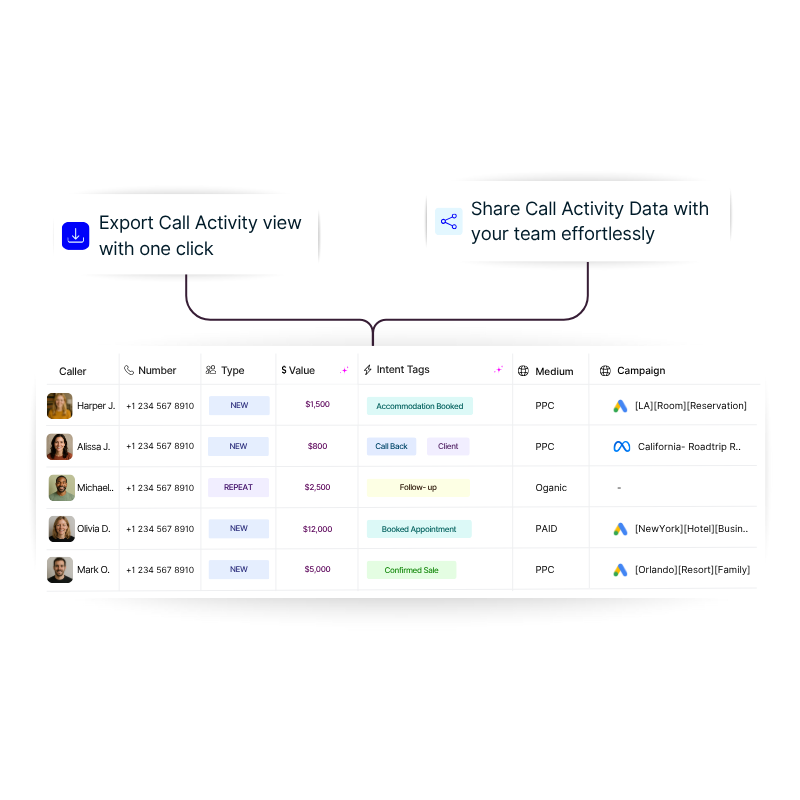
Get full dataset from Call Activity
Export your entire Call Activity dataset to Excel or CSV and analyze it your way.
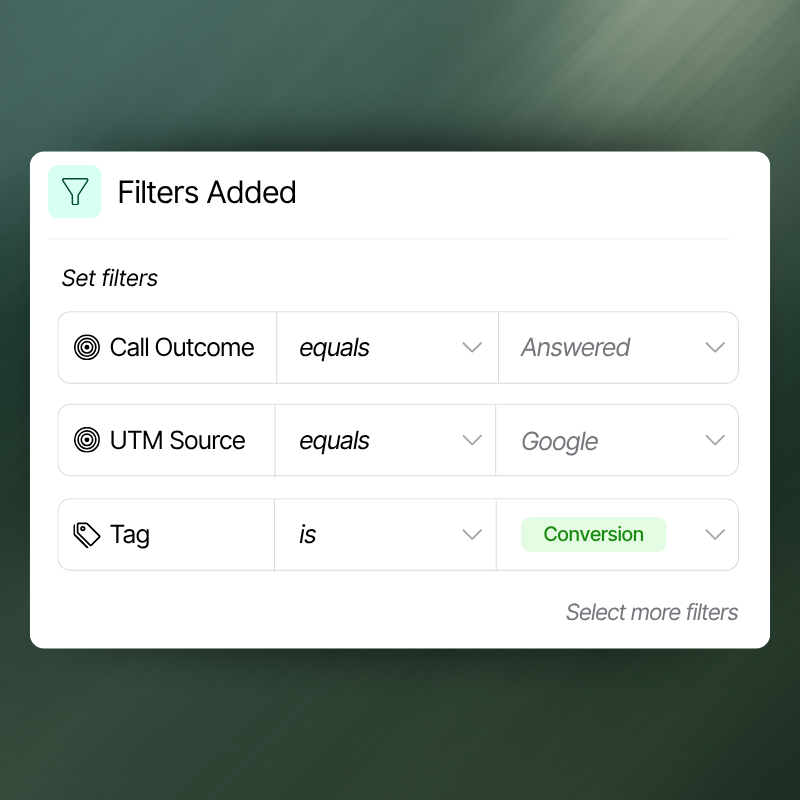
Export filtered leads
Pull filtered leads in real time and shape the data exactly how you need it in Excel, CSV, or Google Sheets.
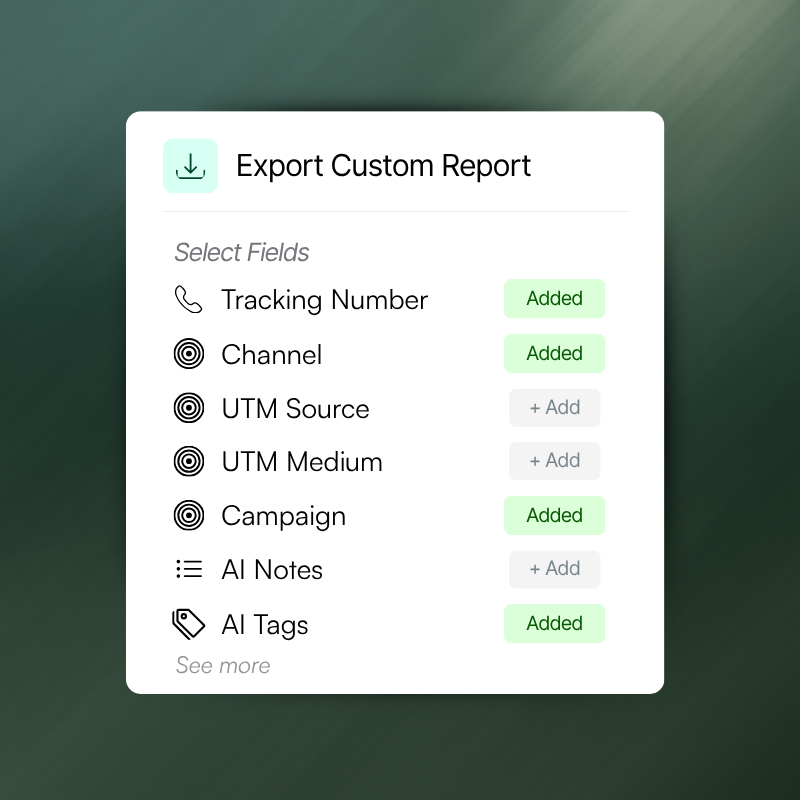
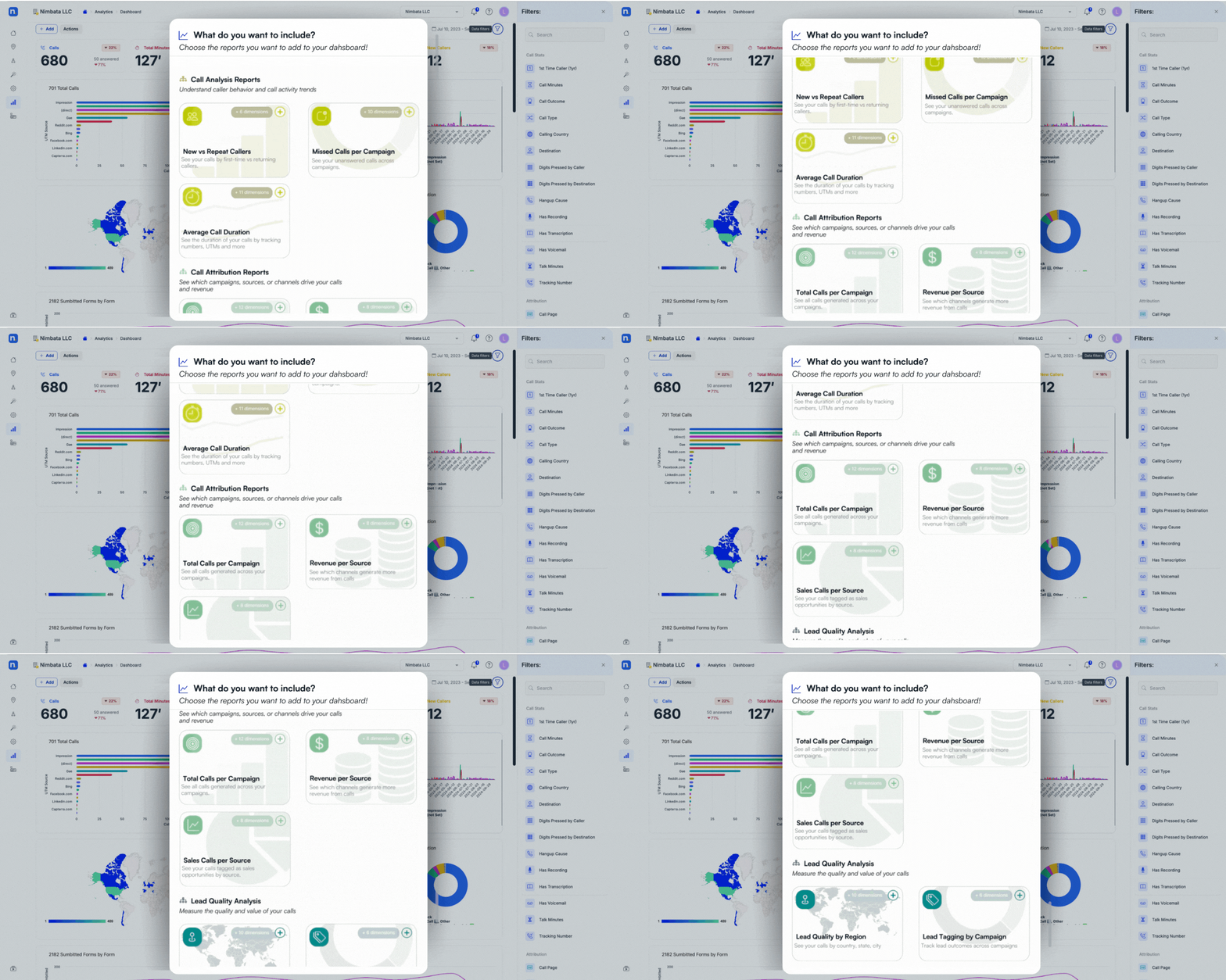
Create custom-fit reports
Select the fields that matter - from data attribution to AI notes and tags - and export tailored reports.
Keep Google Sheets updated in real time with call outcomes, tags, and AI insights - no manual exports, just clean data ready to use.
Analyze leads deeper
Export leads data to uncover behaviors, preferences, and insights that sharpen your marketing and sales strategies.
Share insights instantly
Distribute exported data effortlessly to keep teams and partners aligned.
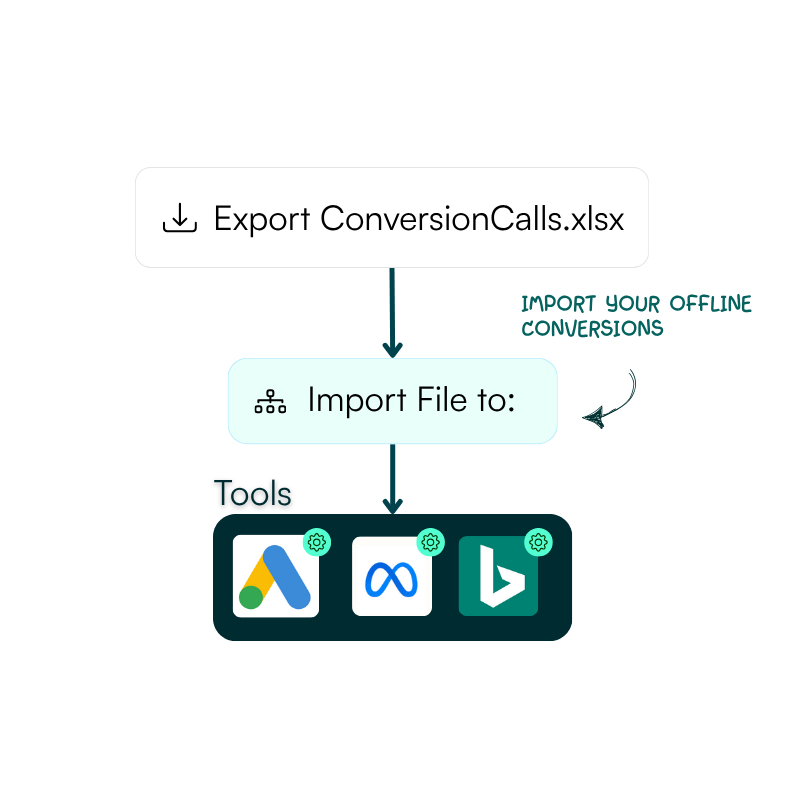
Export & import across platforms
Seamlessly move your data between Nimbata and other systems - import offline conversions to Google Ads, Meta Event Manager, or Microsoft Advertising to keep your campaigns in sync.
CAPABILITIES FOR FAST MOVING TEAMS
Actionable
Turn exports into decisions by analyzing your data easily and taking action
Filterable
Shape your view with custom filters and export exactly what’s important.
Flexible
Download your data in the format that works best for you - Excel, CSV, PNG, PDF, SVG, and more.
Here's a little FAQ
Lead exporting is the process of taking the leads you’ve captured in Nimbata and moving them outside the platform so you can work with them in your own tools. With lead exporting, you can filter the data to your needs and instantly download or send it to Excel, CSV, Google Sheets, or other systems. This gives you full control to view, edit, analyze, and share your lead data - making it easier to understand performance, run your own reports, and integrate with your existing workflows.
Nimbata gives you flexibility to export your data in the formats that work best for you. You can download lead data or reports as Excel (XLSX) or CSV files for deeper analysis, or save charts and visuals as PNG, JPEG, PDF, or SVG for easy sharing and presentation.
Yes, Nimbata lets you apply filters to your leads directly in the dashboard before you export. You can zero in on specific time ranges, campaigns, call types, or any other criteria you choose, then export only the data that matters to you. This way you’re not just downloading everything; you’re taking out exactly what you need for analysis, sharing, or integration with other tools.
Exporting leads gives you full control over your data. It lets you filter and move the leads you’ve captured into the tools you already use - like Excel, Google Sheets, or CRM and ad platforms - for deeper analysis, reporting, and collaboration. By exporting, you can back up critical customer information, customize your own workflows, and turn raw lead data into actionable insights that drive better marketing and sales decisions.

Book your 30-minute personalized demo
with the team!
We’ll actually show you the product and how it can work for you – not a slide deck!
Combine Nimbata call tracking features to create the solution
that matches how your team operates.

Tracking Numbers
Create tracking numbers for any channel or location

Call Flow Builder
Handle every call smarter - with automated call flows

Call Recordings
Capture every customer conversation automatically