INTEGRATIONS / Dynamics 365 Sales

Dynamics 365 Sales

Every inbound call becomes a Microsoft Dynamics deal — automatically.
With the marketing source, call outcome, and lead context your sales team needs to close.

Why Dynamics 365 Sales + Nimbata?

Keep your Microsoft Dynamics pipeline complete. Nimbata auto-creates deals for new callers and updates existing ones in real time.
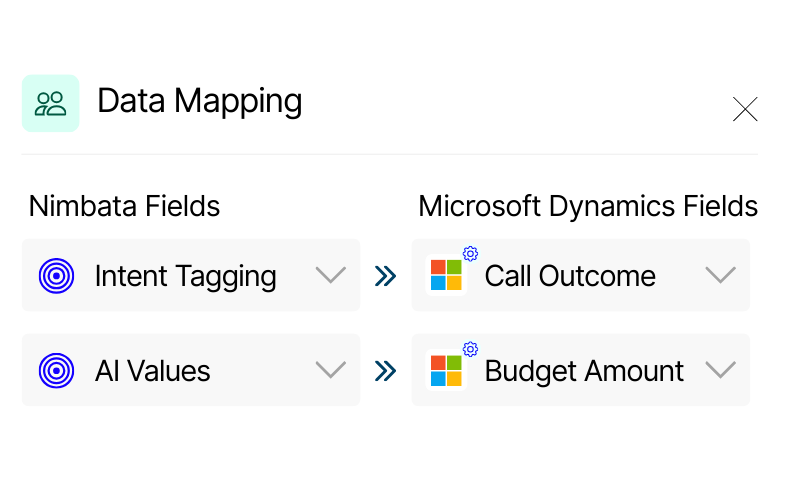
Screenshot showing Nimbata fields mapped to Microsoft Dynamics fields. “Intent Tagging” is mapped to “Call Outcome” and “AI Values” is mapped to “Budget Amount.”
Data mapping

Your data, your way. Call outcomes, lead quality, and AI insights land exactly where you need them in Microsoft Dynamics.
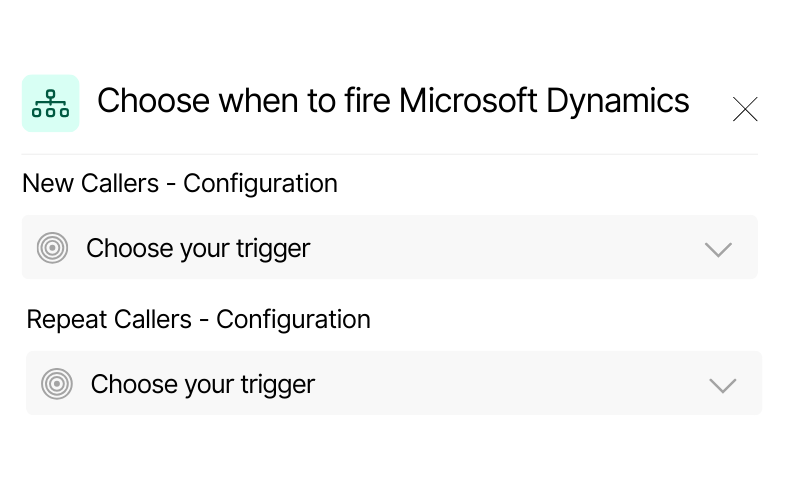
Screenshot of Nimbata trigger configuration options for Microsoft Dynamics. It shows separate settings for new callers and repeat callers, with dropdown menus to choose triggers.
Sync when it matters.

Only the calls that matter, synced to Microsoft Dynamics. Filter by lead quality, call length, or outcome — no noise in your CRM.
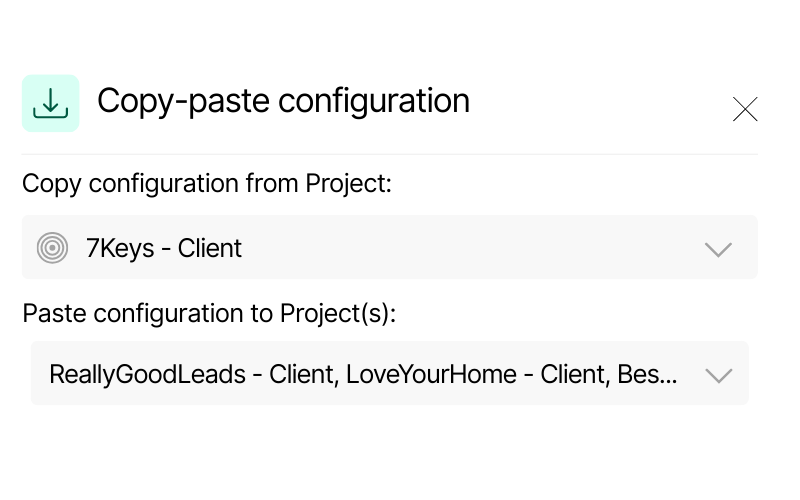
Screenshot of Nimbata’s copy-paste configuration feature. It displays a source project “7Keys – Client” and options to paste configuration into multiple Dynamics projects, including “ReallyGoodLeads – Client” and “LoveYourHome – Client.”
Scalable configuration

Manage one client or a hundred. Copy your setup across all projects in seconds and keep every account consistent.

Stop losing phone leads after the call ends.

(Microsoft Dynamics only knows what you tell it. Nimbata tells it everything.)
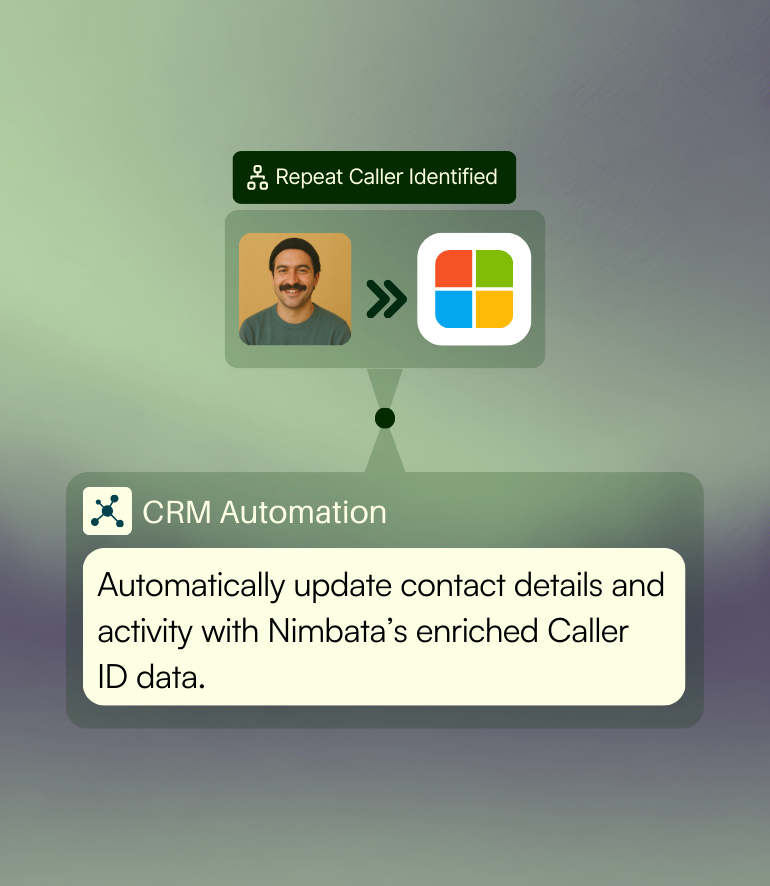
Microsoft Dynamics 365 Sales integration with Nimbata showing automatic CRM contact update and caller ID data mapping.

Automatic lead & opportunity sync

Every inbound call is instantly logged in Dynamics — creating new leads or updating existing opportunities with caller details, source data, and AI-enriched insights.

Ensure your sales pipeline stays accurate and up to date, so your team always acts on the freshest information.
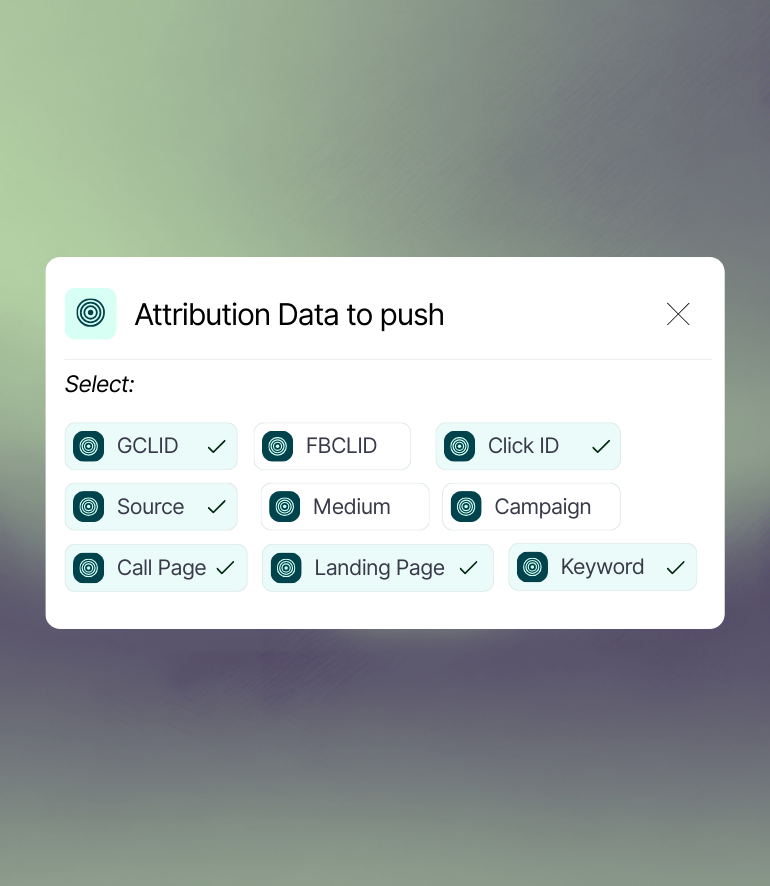
Dynamics 365 Sales dashboard enriched with Nimbata call attribution data including campaign source, landing page, and keyword tracking.

End-to-end attribution & revenue visibility

Nimbata ties every call back to its original marketing source and pushes attribution data directly into Dynamics dashboards. Track performance from first click → phone call → closed deal.

See the full ROI of your campaigns without guesswork, all inside Dynamics.
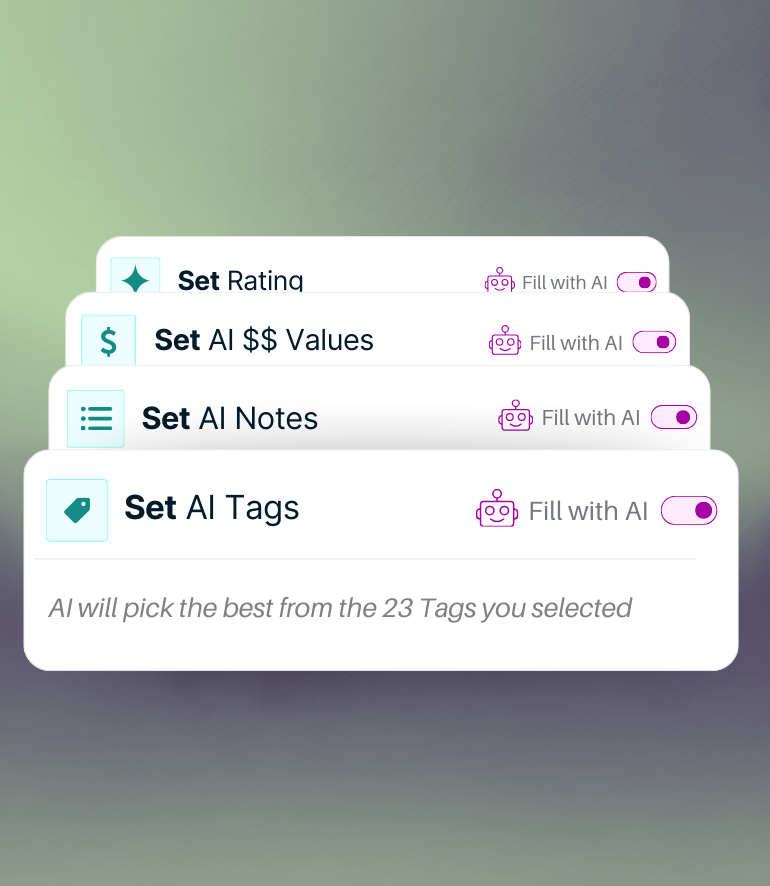
AI call classification in Dynamics 365 Sales using Nimbata, with options to set call rating, values, notes, and tags automatically.

Smarter call classification with AI

Nimbata AI understands, and automatically classifies calls as sales,opportunity, support, or spam. It also tags conversations with lead quality, call value, and action-ready notes.

Free your team from manual reviews and focus only on conversations that close deals.

Turn every call into a sales-ready lead inside Dynamics 365 – automatically.

Dynamics 365 Sales meets real-time call intelligence

HOW IT WORKS
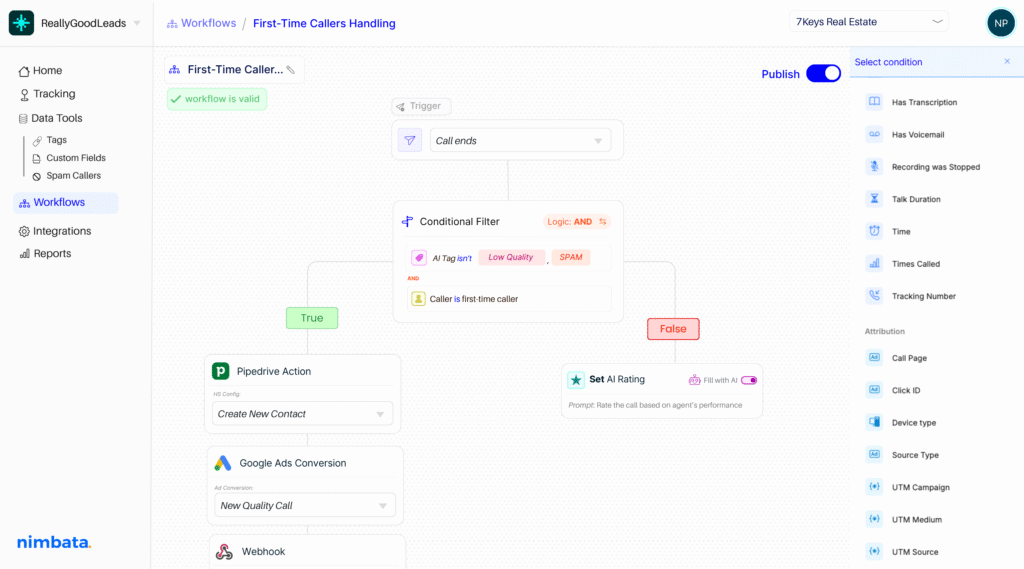
Nimbata integration workflow — automate post-call actions across your stack

Smarter CRM automation.

Build workflows using 30+ real-time conditions — from source, duration, and caller type to AI-detected outcomes – to decide which calls deserve a CRM update, and when. No more one-size-fits-all logic.

Every call becomes a qualified Dynamics contact.

Let AI summarize the conversation, take notes, detect buying intent, and automatically assign lead value and tags — so your CRM reflects reality, not assumptions.

Automate every next step in Dynamics

Configure exactly what Nimbata should do in Dynamics after a call — from creating new contacts to updating properties or logging call activity. Fully customizable to your CRM setup.

Nimbata + Dynamics 365 Sales Integration FAQs

What call data can I send to Dynamics 365 Sales?

You can send caller details, call duration, source/UTM data, campaign info, call recordings, AI summaries, tags, ratings, and values — all mapped to the Dynamics fields you choose.

Can I see which ads or campaigns drove each call in Dynamics?

Yes. Nimbata tracks the original source of every call (Google Ads, social, SEO, offline, etc.) and passes attribution data into Dynamics, so you know exactly which efforts drive revenue.

How do I enable call tracking for Dynamics 365 Sales with Nimbata?

Setup is simple: connect your Nimbata account to Dynamics, choose the fields you want enriched with call data, and start sending calls directly into your CRM. No dev work needed — setup takes just a few minutes.

Why should I use Nimbata for Dynamics 365 Sales call tracking?

Because every conversation becomes actionable. Nimbata not only logs calls but enriches them with AI-driven insights, ensuring sales teams always work with qualified, context-rich leads. This integration lets you:

✔ Capture 100% of your leads, including phone calls
✔ Track every call back to its source
✔ Sync calls into Dynamics with full context
✔ Automate lead management with workflows
✔ Improve attribution and prove ROI across channels

Can I choose which calls get sent to Microsoft Dynamics?

Absolutely. Use call filters (duration, source, AI scoring, intent) to decide which calls enter Dynamics — keeping your CRM clean and focused.

Will it create duplicate contacts in Dynamics?

No. Nimbata checks for existing records before creating new ones, and updates existing contacts or opportunities with fresh call activity.

What happens if a call comes from an existing lead?

The existing lead record in Dynamics is updated with the new call details, AI summary, and attribution info — giving you a complete history of interactions.

Can I trigger Dynamics workflows with call events?

Absolutely. Any call synced to Dynamics can trigger workflows based on contact properties, lifecycle stage changes, call tags, or custom logic.

How long does it take to set up the integration?

Most users connect Dynamics 365 Sales Integration and start syncing data in under 10 minutes — no coding required.

Can I push data to multiple Dynamics objects objects?

Yes. Nimbata allows multi-object configuration, so leads, accounts, and opportunities are all enriched with the same call intelligence.

Which Nimbata plan supports the Dynamics integration?

The Dynamics integration is available on the Agency plan. Check our Pricing Plans to see what else is included under the Agency Plan.

Discover more integrations