INTEGRATIONS / GoHighLevel

GoHighLevel

Bring call attribution and AI insights into GoHighLevel. Sync callers, tags, and
revenue automatically so every sub-account stays clean, accurate, and follow-up ready.

Why GoHighLevel + Nimbata?

Capture every call, enrich it with AI, and drop it into the right contact, pipeline, and workflow automatically.
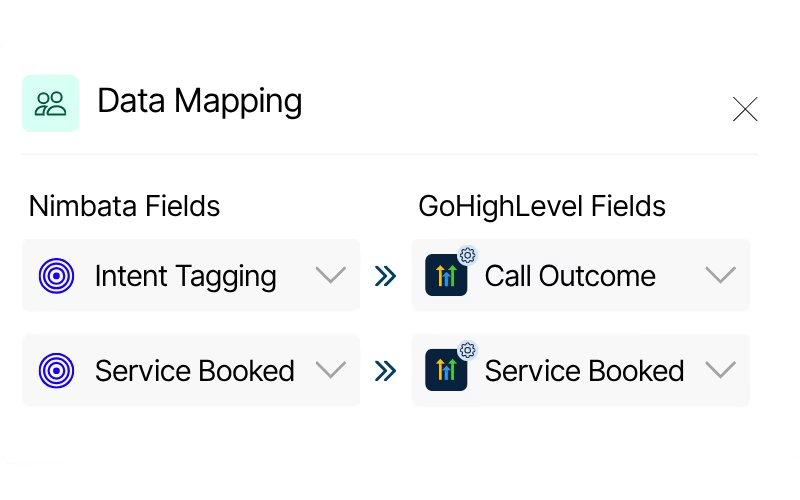
Call outcomes, lead quality, and AI insights land exactly where you need them in GoHighLevel.
Data mapping

Your data, your way. Call outcomes, lead quality, and AI insights land exactly where you need them in GoHighLevel.
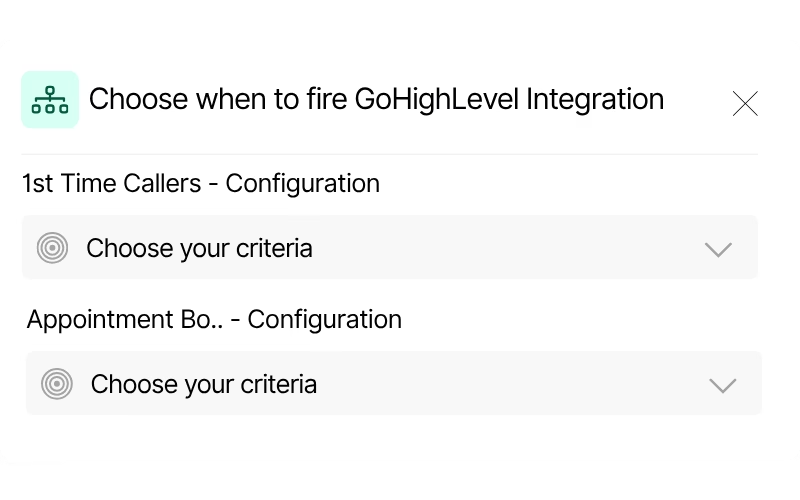
Workflow rules by call duration, caller type, tags, or AI classification for precise records
Conditional logic

Choose when a call fires an action: set rules by call duration, caller type, tags, or AI classification for precise records.
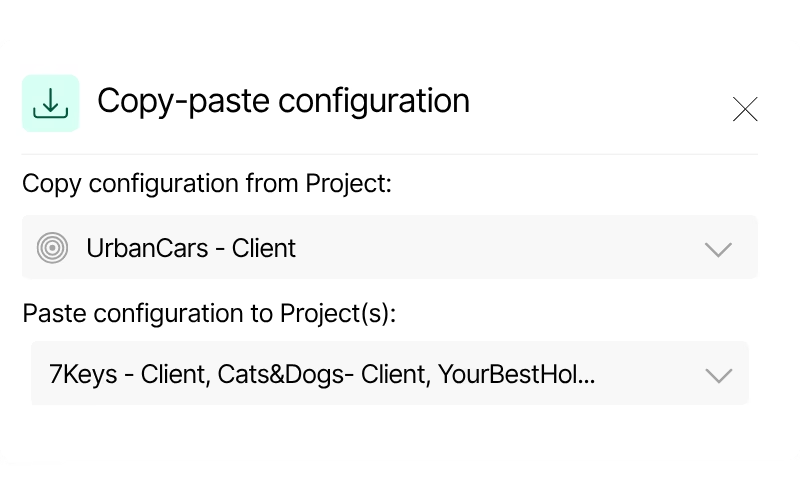
Same call tracking setup across all your client sub-accounts with copy-paste configuration
Scalable configuration

Roll out the same call tracking setup across all your client sub-accounts with copy-paste configuration.

Call Tracking for GoHighLevel integration capabilities

(so every call is tracked and attributed)
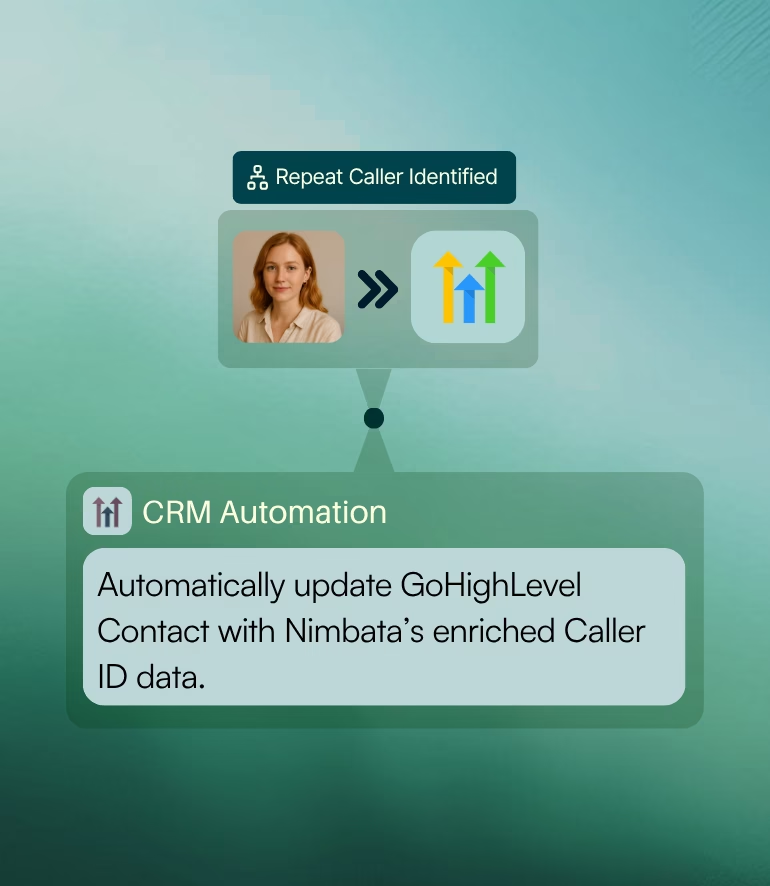
GHL Automation for contact updates

Every caller, captured in GoHighLevel

Turn inbound calls into complete contact records automatically, with caller details, source, and outcome attached the moment the call ends, so no lead ever slips through after hangup.

Keep your CRM updated.
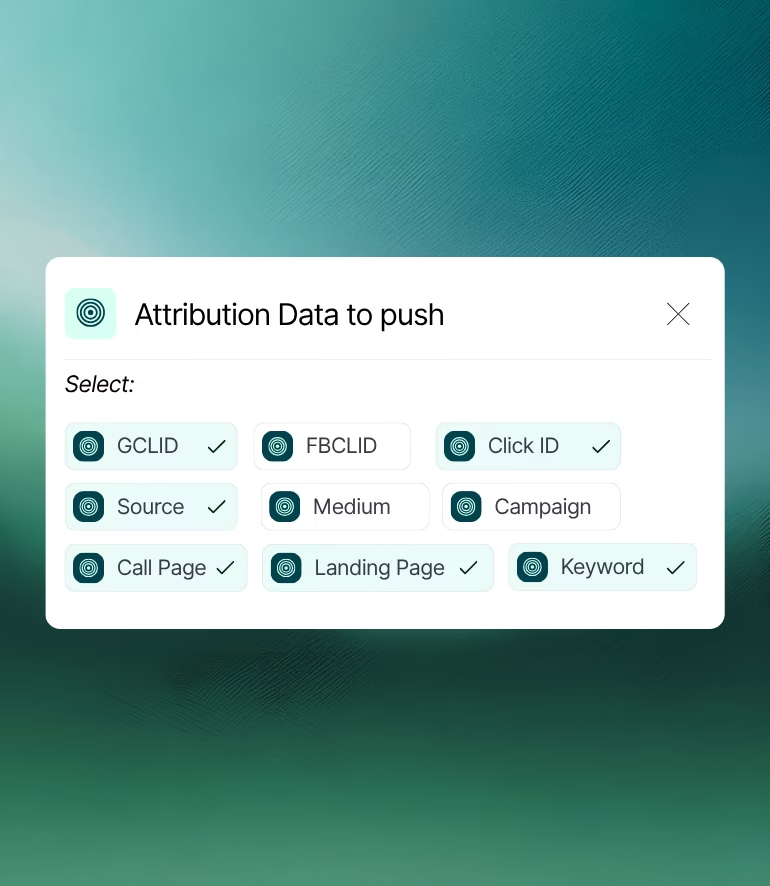
Attribution data selection to be pushed

Full-funnel attribution

See the marketing journey behind every phone lead directly on the contact, from first touch to the call that converted, so budget decisions run on real source data.

Know exactly what's driving your calls.
Context that follows the lead.
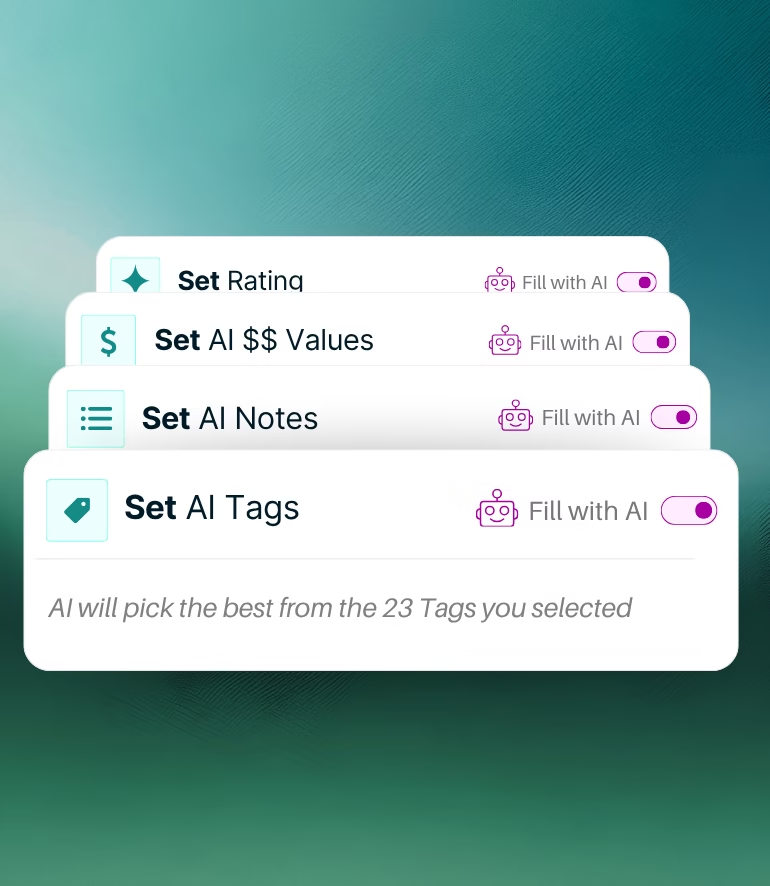
Conversation intelligence with AI features

GoHighLevel call intelligence

Nimbata AI summarizes each call, detects buying intent, and assigns lead value and tags in GoHighLevel, so your pipeline reflects what was actually said, not assumptions.

Enrich your call data.
Keep reporting lean and precise.

Turn calls into pipeline, in no time!

Send multiple call outcomes into GoHighLevel, qualified lead, booked appointment, closed sale, each mapped to the right pipeline action.

HOW IT WORKS
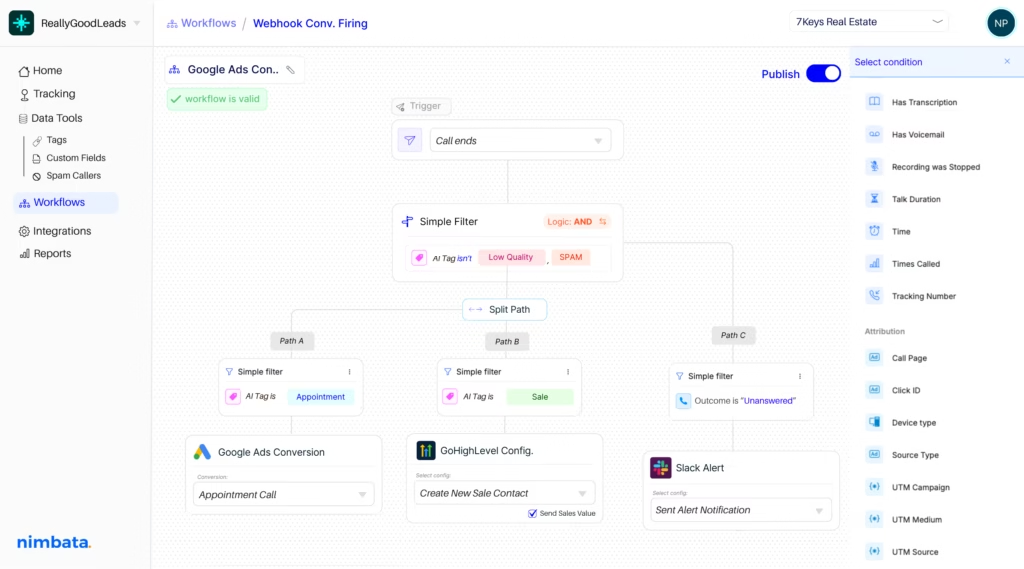
Nimbata integration workflow — automate post-call actions across your stack

Set your rules once.

Choose the conditions like duration, caller type, AI tags, that decide when a call becomes a GoHighLevel contact, opportunity, or workflow trigger.

Enrich the record automatically.

Tags, transcripts, recordings, source attribution, and AI Value all sync onto the GoHighLevel contact and opportunity the moment the call ends.

Route leads instantly.

Fire GoHighLevel workflows the moment a qualifying call ends, so leads get SMS, assignment, and follow-up while intent is still high.

Nimbata + GoHighLevel Integration FAQs

Will calls automatically create contacts in GoHighLevel?

Every tracked call can automatically create a new GoHighLevel contact or update an existing one, with the call logged on the contact's timeline along with the recording and AI summary.

Can I move opportunities or pipeline stages based on a call?

Nimbata can create opportunities and advance stages using rules you define, like call duration, caller type, or an AI answer to "Was this a qualified lead?"

Can I trigger GoHighLevel workflows from a call?

The moment a qualifying call ends, Nimbata can trigger workflows for SMS follow-up, internal notifications, task creation, or lead routing.

Why use Nimbata instead of GoHighLevel's built-in call tracking?

GoHighLevel's native call tracking covers call routing and basic reporting, but it can't attribute calls to specific keywords and ads or score conversations for revenue. Nimbata adds full source attribution, AI call classification, revenue tracking, and spam filtering, then pushes it all back into GoHighLevel.

Does this work across multiple GoHighLevel sub-accounts?

Yes, each sub-account connects independently, and you can roll out the same setup fleet-wide, keeping reporting and automation identical across clients.

Can I filter which calls get sent to GoHighLevel?

You can create rules based on call duration, caller type, AI tags, AI Value thresholds, and even natural-language questions (e.g., "Was this a qualified lead?") so only meaningful calls reach GoHighLevel.

Does Nimbata keep spam and misdials out of my CRM?

Yes, you can automatically block spam, misdials, and low-value calls from creating contacts or triggering workflows, keeping every GoHighLevel sub-account clean.

How long does setup take?

Most users connect Nimbata to GoHighLevel and configure their first rules in under 10 minutes. If your pipelines and workflows already exist, it's just a matter of mapping fields and choosing trigger conditions.

Do I need to touch GoHighLevel manually after a call?

No, once your rules are set, Nimbata handles contact creation, opportunity updates, tagging, and workflow triggers automatically, your team just works the leads.

Discover more integrations