INTEGRATIONS / WordPress

WordPress

Track every call and attribute it to the right source — effortlessly, all inside your website.

Why WordPress + Nimbata?

Swap. Track. Attribute. Nimbata turns your WordPress site into a call-tracking engine.
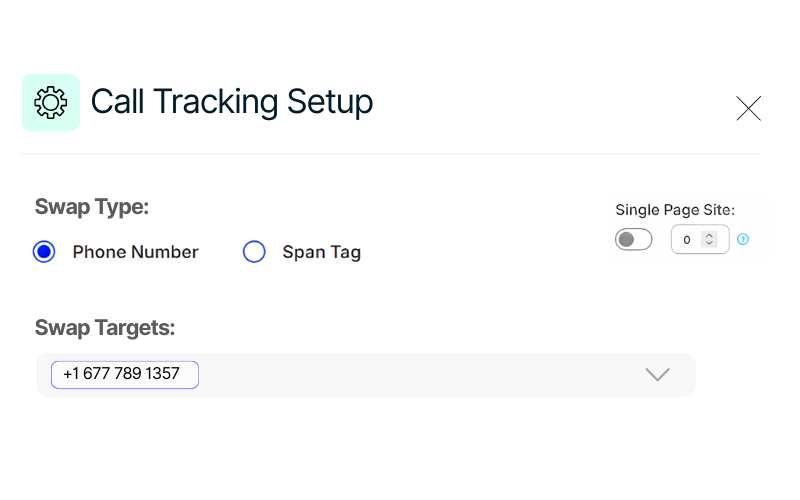
Call tracking with no code setup-just copy&paste your ID
No-Code Setup

Install the Nimbata plugin and activate call tracking in minutes — just copy and paste your ID.
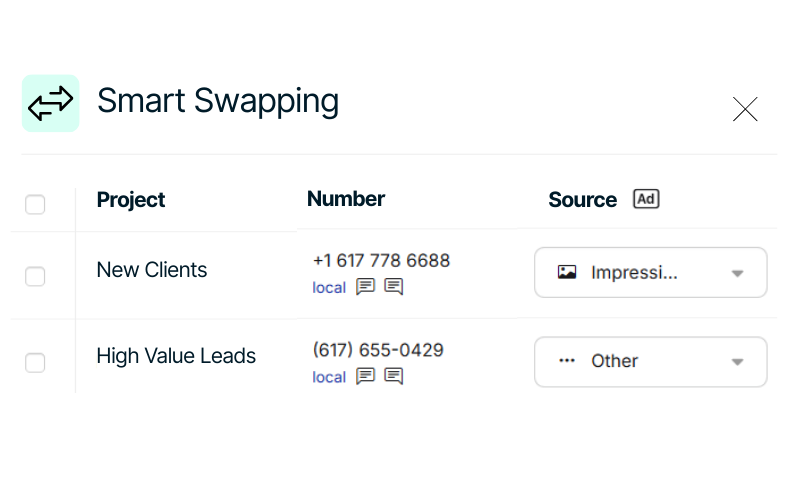
Smart swapping- use DNI and track every lead
Smart Swapping

Use Dynamic Number Insertion (DNI) to display unique numbers per source and track every lead with accuracy.
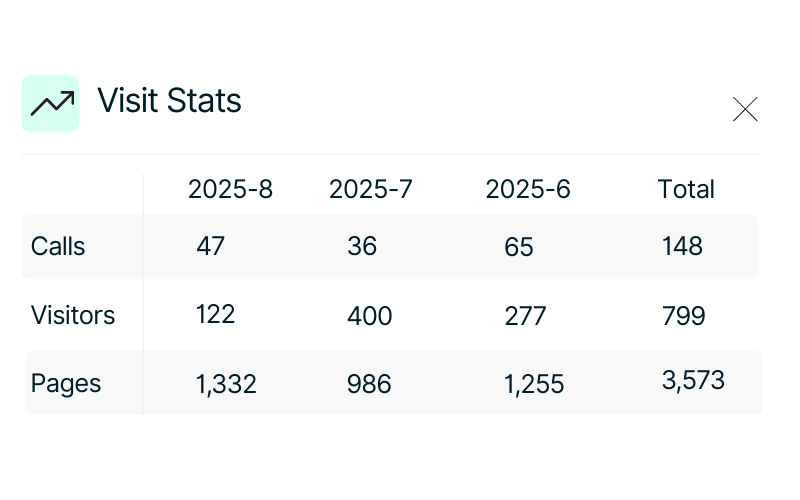
Gain full visibility on your call inshights by activating wp plugin
Call Insights

Gain full visibility into call sources, pages, keywords, and sessions, plus access to recordings and transcripts.

Call Tracking for WordPress integration capabilities

(that puts tracking on autopilot)

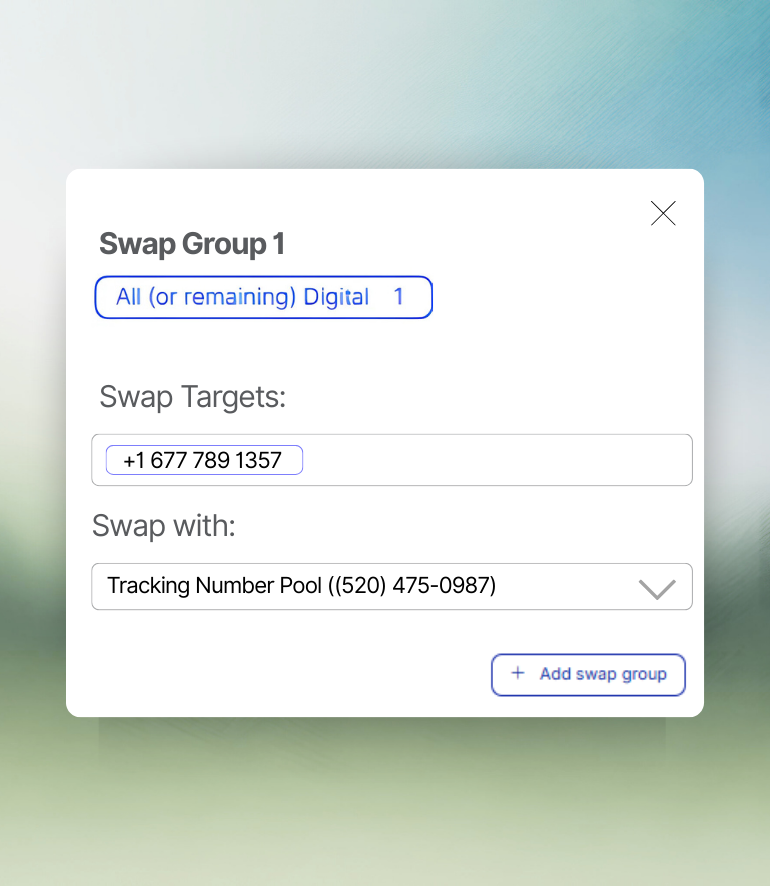
Auto number swapping- connect WordPress with Nimbata and swap numbers for every website visit

Auto number swapping

No matter how many visitors land on your website, you can create multiple swap groups and track any call.

Ensure that every call is tied to the right source or campaign.
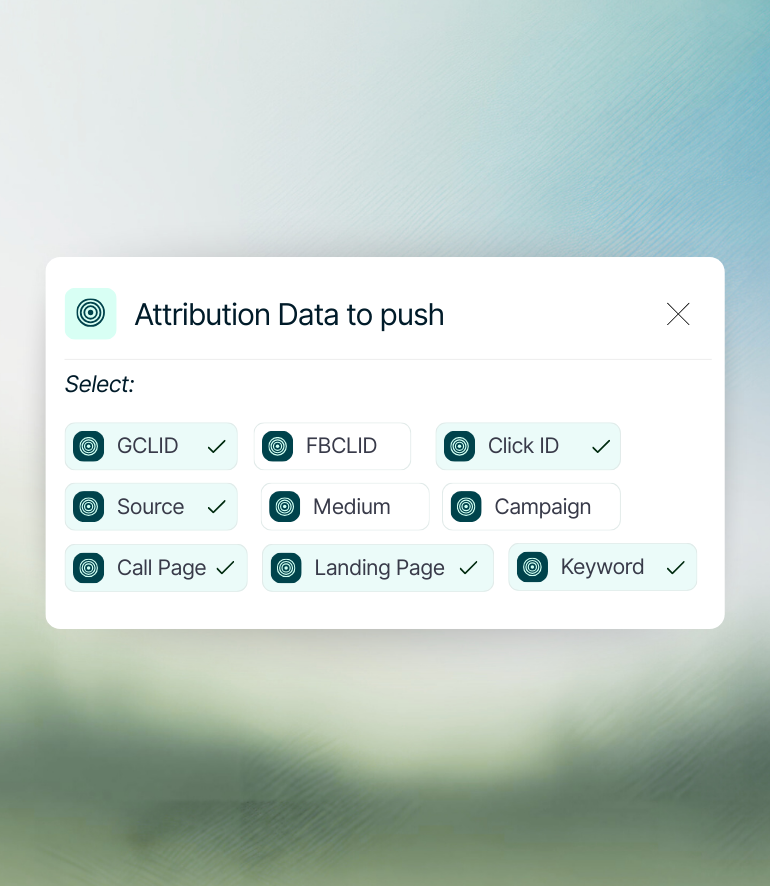
Seamless attribution sync-choose the right data to push after every call

Seamless attribution sync

Automatically connect call data with your website pages, giving you a 360° view of lead journeys and true ROI.

Zero manual review. 100% clarity.
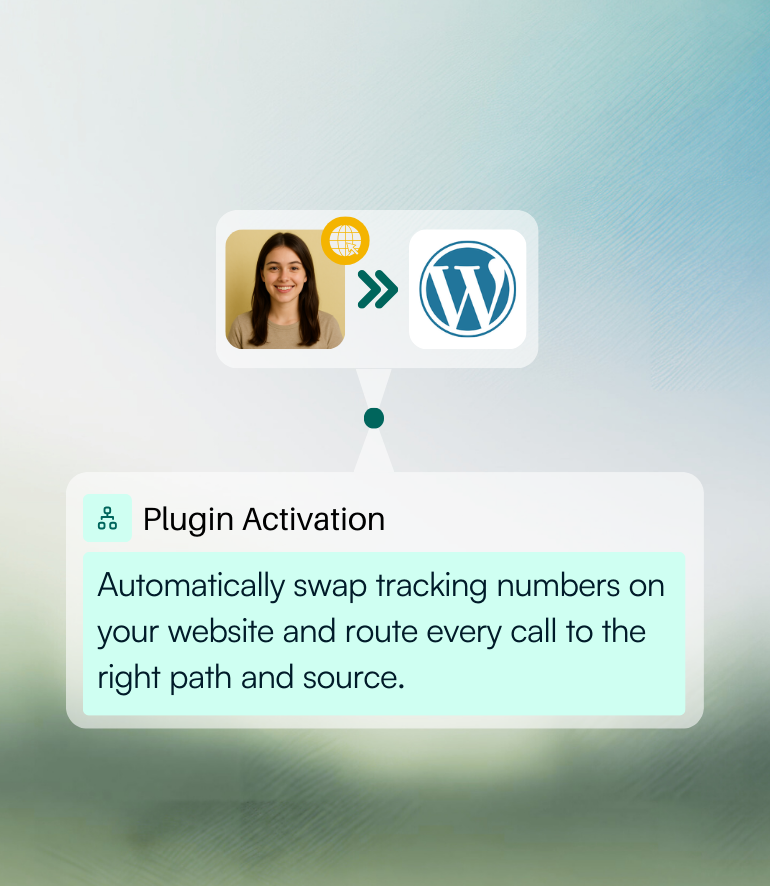
Enhanced caller experience-numbers swap instantly

Numbers dynamically swapped in no time

Tracking doesn’t interfere with your visitors — numbers swap instantly in the background.

Keeping the user journey smooth and professional.

Nimbata + WordPress Integration FAQs

Why should i activate Nimbata’s plugin in WordPress?

Activating the Nimbata WordPress plugin makes it easy to set up call tracking without coding, as it automatically adds tracking scripts and dynamic numbers to your site. It ensures accurate attribution by linking every call back to the exact channel, campaign, or keyword that drove it.

How I activate the CMS plugin?

Install and activate the Nimbata plugin from your WordPress dashboard, then copy your DNI ID from your Nimbata account and paste it into the plugin’s settings. Save changes, and call tracking will start working automatically.

Which actions can I track after activating it?

With the Nimbata WP plugin, you can track calls, call conversions, click-to-call actions, and the exact source/campaign/keyword that drove each call.

What happens if I have multiple visits in the website at the same time?

When multiple visitors are on your site at the same time, Nimbata’s Dynamic Number Insertion (DNI) assigns a different tracking number to each session. This ensures calls are tied to the correct visitor, source, and campaign without overlap. Once a visitor leaves, their number is released back into the pool for reuse, keeping tracking accurate and efficient even with high traffic.

Can I push the call data after swapping my tracking number to other tools?

Yes, after swapping the number, you can send call data to Google Ads/Analytics, CRMs (HubSpot, Salesforce, etc.), and automation tools (Zapier, webhooks, API) for full conversion tracking.

How long does it take to set up the integration?

The integration takes just a few minutes—install the plugin, paste your DNI ID, and call tracking works instantly.

Which Nimbata plan supports the WordPress integration?

The WordPress integration is free. You can use it in any plan – check our Pricing Plans to see what else is included.

Discover more integrations